
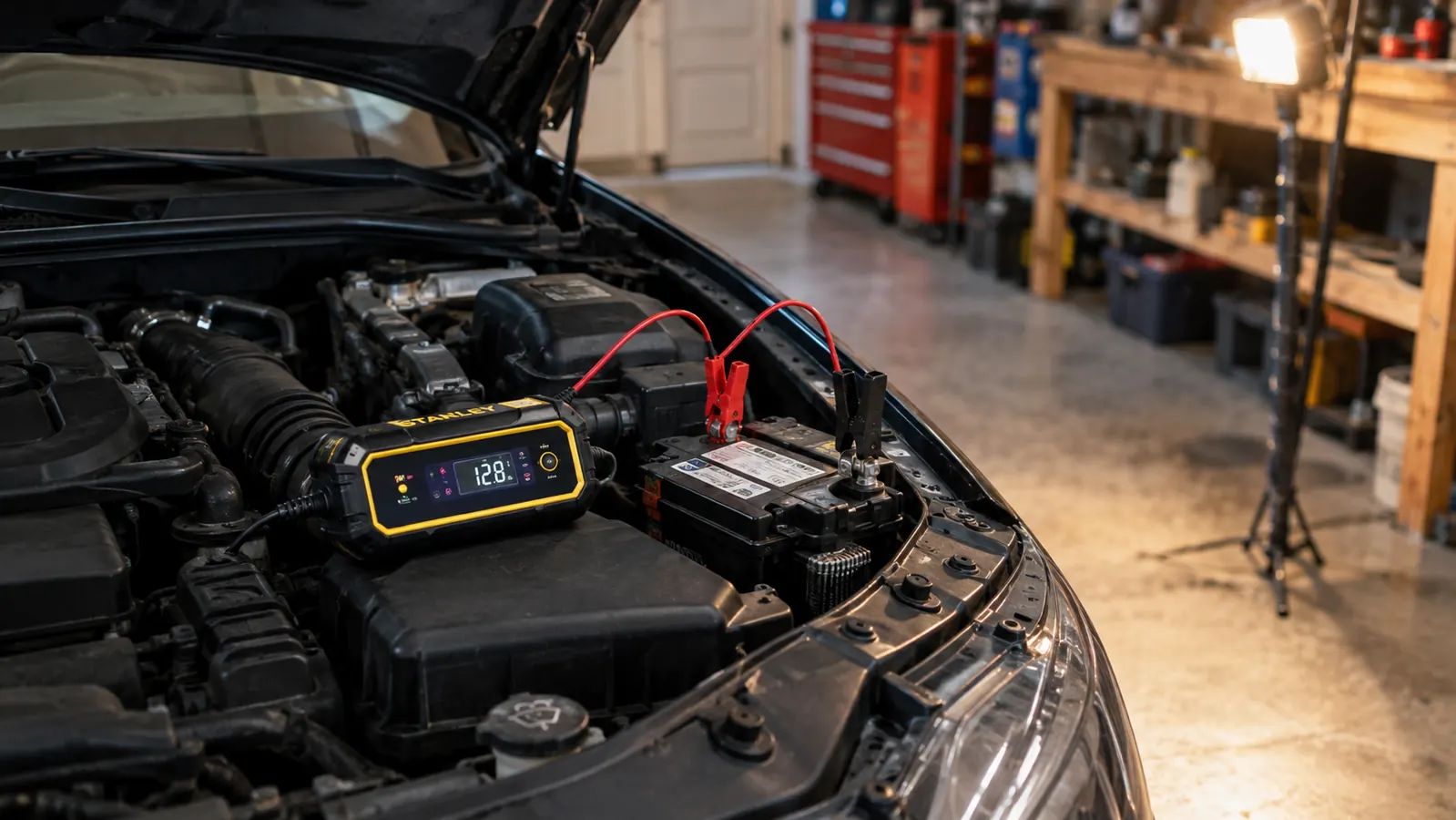
A dead battery is the most common reason a car won't start, and it's also the one problem you can fix in your own driveway without calling anyone. But if you've only ever used a set of jumper cables, you're missing the easier path. A smart battery charger like the NOCO GENIUS1 plugs into the wall, clamps onto the battery, and does the thinking for you. It charges, maintains, and then stops on its own so you can't overcharge the battery by leaving it connected. Here's exactly how to use one, step by step, the way I do it in my own garage.
I'm Wade Kessler. I've wrenched on my own cars for over 30 years, and I've lost count of how many batteries I've brought back from the edge with a smart charger. This is the process I use on my 2014 Ford F-150 and on my daughter's 2008 Honda Accord, and it'll work the same way on whatever you drive.
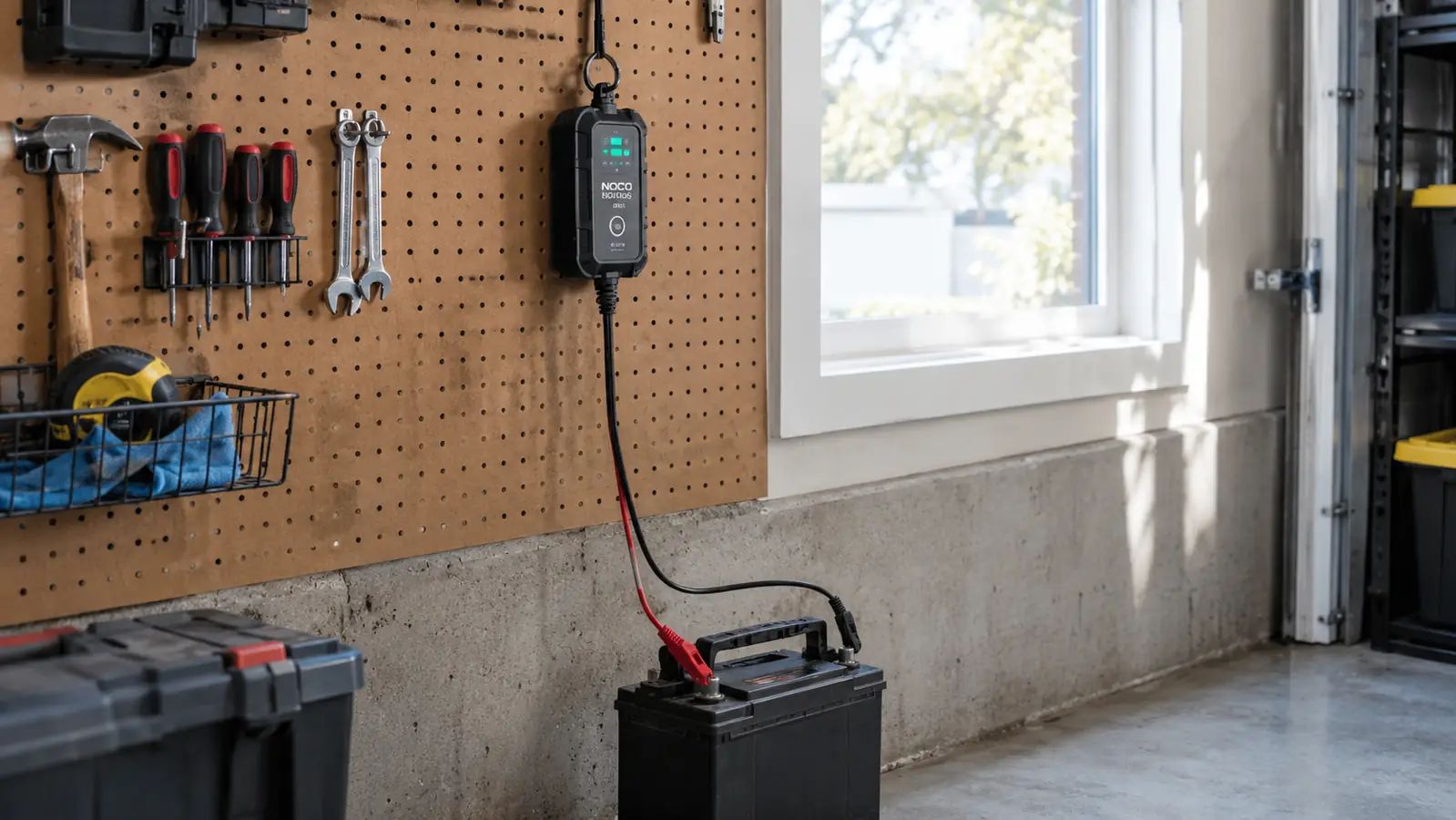
The charger I keep on my garage pegboard
The NOCO GENIUS1 is a 1-amp smart charger, maintainer, and trickle charger in one small unit. It handles 6-volt and 12-volt lead-acid batteries plus lithium, and it's UL-listed. If you want the same tool I reach for first, it's ready to ship.
Amazon Check Today's Price on Amazon →Step 1: Read the Battery and the Charger Before You Touch Anything
Before you clamp anything, you need to know what kind of battery you're dealing with. Look at the label on top of the battery. It should tell you the voltage, which is almost always 12 volts on a modern car, and the chemistry, which will be something like AGM, Gel, SLA, or standard flooded lead-acid. Some newer batteries are lithium LiFePO4. The NOCO GENIUS1 handles all of these, which is one of the reasons I like it, but you still need to know which one you have so you can pick the right setting. The battery in my F-150 is a plain flooded lead-acid unit I put in back in 2021, and I still read its label every time I hook up the charger. It takes ten seconds, and it has kept me from grabbing the wrong setting more than once.
Also check the charger. The GENIUS1 is rated for 6-volt and 12-volt batteries and puts out 1 amp. That's not a fast charger. It's a smart charger and maintainer, which means it charges slowly, safely, and then holds the battery at the right level without cooking it. A 1-amp charger is perfect for overnight charging and for keeping a battery topped off over the winter. If you're in a hurry, this isn't the tool for a quick boost, and I'll be honest about that later. At 15.2 ounces, it's light enough to hang from a pegboard hook by its own cord, which is exactly where mine lives when it's not in use.
One more thing to check: the condition of the battery itself. If the case is cracked, swollen, or leaking, don't charge it. Replace it. A damaged battery can be dangerous, and no charger is going to fix a broken case. If the terminals are covered in corrosion, clean them with a wire brush and a little baking soda and water before you connect anything. A clean connection is a good connection. I keep a terminal brush in the top drawer of my rolling chest for exactly this, and I use it more than I'd like. Corrosion is why a lot of 'dead' batteries are actually fine; they just can't pass current through a crusty post.

Step 2: Park, Turn Everything Off, and Give Yourself Room
Park the car on a level surface, set the parking brake, and turn the ignition completely off. Remove the key. You don't want any electrical load on the battery while it's charging, and you don't want the car to start accidentally. If you're working in a garage, make sure the garage door is open or the area is ventilated. Batteries can give off hydrogen gas while charging, and while a smart charger produces far less of it than an old-school charger, ventilation is still the right habit. Back in January, my daughter's Accord had been sitting for two weeks while she was at school, and the overnight temperature had dropped to 18 degrees. It cranked twice and then just clicked. I rolled it out of the way, hooked up the GENIUS1, and by the next morning it fired up like nothing had happened.
Pop the hood and find the battery. On most cars it's in the engine bay, but on some it's in the trunk or under a seat. If you can't find it, the owner's manual will show you. Once you've got it, take a look at the terminals. The positive terminal is usually marked with a red cover or a plus sign, and the negative is usually black with a minus sign. If the terminals are dirty, clean them now. If they're clean, you're ready.
Step 3: Connect the Charger to the Battery, Positive First
This is the part people get wrong. The order matters. Connect the red clamp to the positive terminal first, then connect the black clamp to the negative terminal. Why positive first? Because if the black clamp touches something metal while you're connecting the red side, you don't want a spark near the battery. Connecting positive first, then negative, with the charger unplugged, is the safest sequence. The GENIUS1 comes with both battery clamps and eyelet terminals, so you can either clamp directly onto the posts or use the permanent eyelet connection if you have one installed. The first time I charged a battery, back when I was about 20, I put the black clamp on first and got a spark that made me jump. Nothing caught fire, but I've never done it that way again. Now I say it out loud before I reach in: red first, black second, charger unplugged the whole time.
Make sure the clamps have a solid bite on the terminal, not just resting on top. A loose connection can cause arcing or a poor charge. Give the clamp a little wiggle after you attach it. If it moves, reseat it. You want metal on metal, and you want it snug.
If the battery is in the car and you're worried about the clamps touching the hood or fender, that's exactly why the order matters. A smart charger like the GENIUS1 is designed to be safe, but you still want to avoid any chance of a spark near the battery. Keep the clamps clear of surrounding metal while you connect them.
Step 4: Plug It In and Match the Battery Setting
Once both clamps are connected, plug the charger into a 120-volt wall outlet. The GENIUS1 is designed for 6-volt and 12-volt lead-acid batteries, including AGM, Gel, SLA, and VRLA, plus lithium-ion LiFePO4. Match the charger to the chemistry you read off the label in Step 1. The manual has a chart for which setting goes with which battery, and it's worth a quick read the first time you use it. It takes about a minute and saves you from guessing.
The smart part of a smart charger is what happens next. The GENIUS1 uses an integrated thermal sensor that adjusts the charge based on ambient temperature. That means it won't overcharge your battery on a hot summer day or undercharge it in a cold Arkansas winter. I've used mine in a garage that hit 95 degrees in July and dropped into the teens in January, and the battery comes off the charger the same every time. That consistency is the whole point. It also means you can leave it connected for days or weeks at a time. Once the battery is full, the charger stops pushing current and simply holds the battery at the correct level. That's the feature that makes a smart charger worth owning over a dumb charger. The GENIUS1 is also 35% smaller than the old-style charger I used to keep in the garage, and it delivers more power.
A full charge on a 1-amp charger takes about 10 hours for a typical car battery, according to the specs. That sounds slow, and it is. But you don't have to sit there and watch it. Plug it in before bed, check it in the morning, and it's done. If you need the car sooner, you can disconnect it early and drive, but the battery won't be at 100%. For a battery that's just a little low, a few hours is often enough to get you started.
Step 5: Disconnect in the Right Order and Test the Start
When the charger shows the battery is full, or when you're ready to drive, unplug the charger from the wall first. Then remove the black clamp from the negative terminal, then the red clamp from the positive terminal. That's the reverse of the connection order, and it's the safe way to do it. Unplugging first means there's no live charger sitting on the battery while you're moving clamps around.
Before you close the hood, give the battery a quick visual check. Make sure the clamps didn't pull any corrosion onto the terminals and that nothing is loose. Then get in the car and start it. If it cranks like normal, you're done. If it still sounds weak, the battery may be past saving. A smart charger can maintain and often revive a battery that's low, but it can't fix a battery with a dead cell or one that's simply reached the end of its life. That's when you're looking at a replacement, not a charge. A few years back I tried to bring back a battery that had sat dead through an entire winter. The charger ran through its full cycle, but the truck still cranked like it was running on two cylinders. A load test at the parts store showed a dead cell. That battery was seven years old and owed nobody anything, but it taught me to trust the cranking sound over what the charger was telling me.
One more habit I've gotten into: if the car is going to sit for a few weeks, I leave the GENIUS1 connected. It's designed for that. It trickle charges, maintains, and then stops, so the battery is always ready when I need it. That's how I keep my daughter's Accord ready to go even when she's away at school and it's sitting in the driveway.
What Else Helps
A smart charger does the heavy lifting, but a few extras make the job easier. A wire brush and a can of terminal cleaner keep the posts clean. A good pair of work gloves saves your knuckles. And if you're charging a battery that's still in the car, a battery terminal protector spray can help keep corrosion from coming back. None of that is required, though. The GENIUS1's clamps and eyelet terminals handle most situations on their own.
If you're new to this, the eyelet terminals are worth a closer look. You can bolt them onto the battery posts once, route the cable somewhere accessible, and then just plug the charger's cable into the eyelets when you want to charge. No opening the hood and clamping every time. It's a small convenience, but after a winter of plugging and unplugging, you'll appreciate it. I put the eyelet kit on the Accord two winters ago. The cable tucks along the fender and comes out near the hood latch, so I can plug the charger in without pulling the battery or fighting the clamps past the washer fluid reservoir. When my daughter is home from school, she plugs it in herself if the car is going to sit for a while, which means I don't have to drive over there to do it.
The smart part of a smart charger is that it knows when to stop. You can leave a battery connected for weeks without worrying about cooking it.
Set it and forget it this winter
If your car sits for more than a few days at a time, a smart maintainer pays for itself the first time it saves you from a dead battery. The NOCO GENIUS1 is compact, UL-listed, and backed by a 3-year limited warranty.
Amazon Check Today's Price on Amazon →